Data That Drives Champions Reports That Turn Training Into Insight

Upload your training files. Get a report that reads like a coach wrote it.

Wearable files + athlete context Readable PDF delivery Your data stays yours

Your data. Your running analysis.

Upload your own files and receive a report built around workload, intensity pattern, training structure, and athlete context.

Start your report

Elite training, explained.

Data-backed elite training breakdowns are launching in stages. Follow progress and preview the artifact style now.

Explore Elite Insights
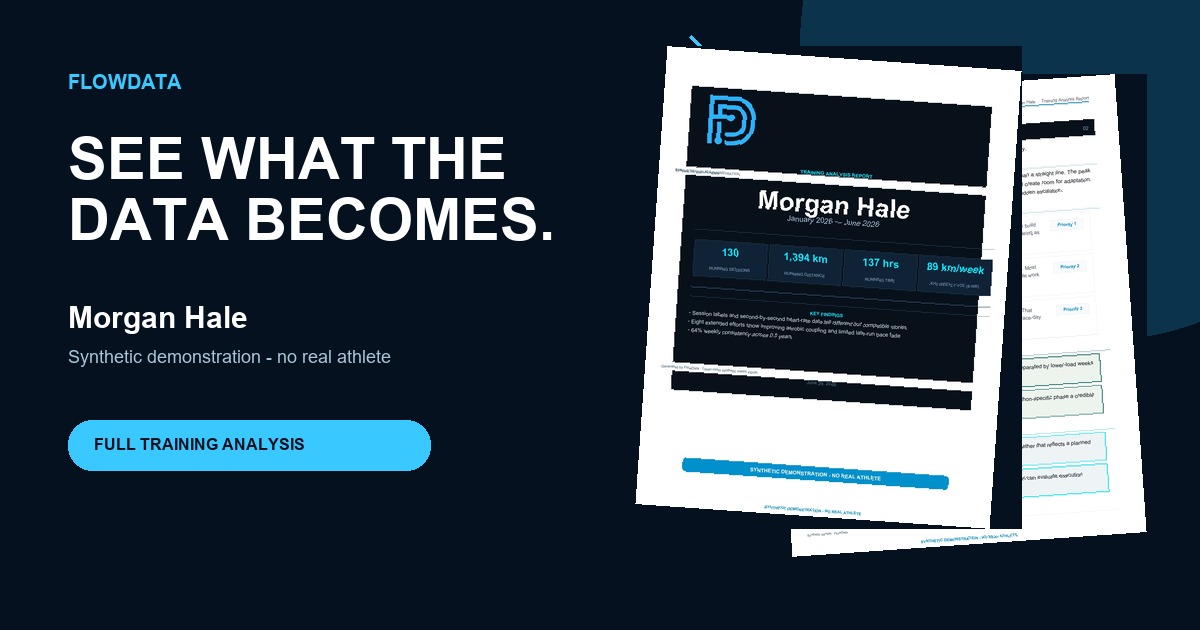
FlowData sample report Open PDF
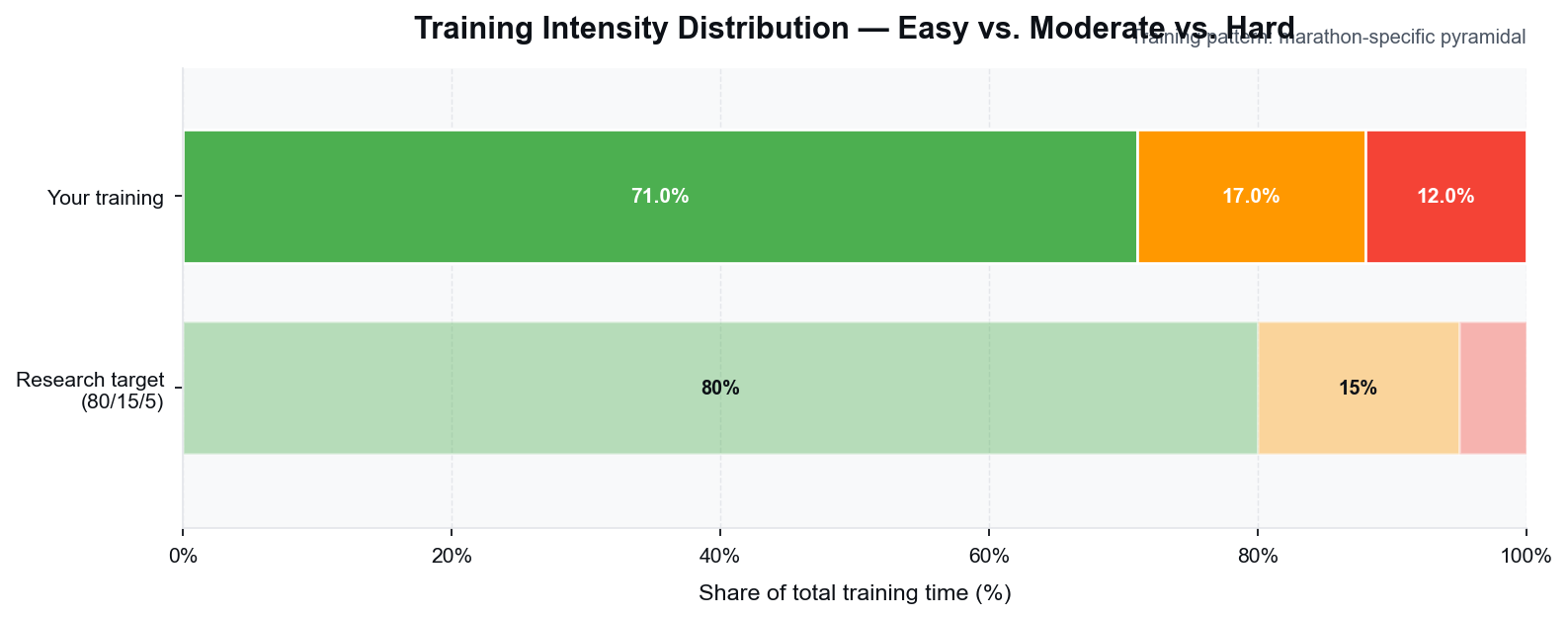
Weekly volume chart preview Intensity distribution chart preview

Your biggest stress was not one huge week. It was three solid weeks with too little variation between hard and easy days.

Cardiac efficiency chart preview

See what the report actually looks like.

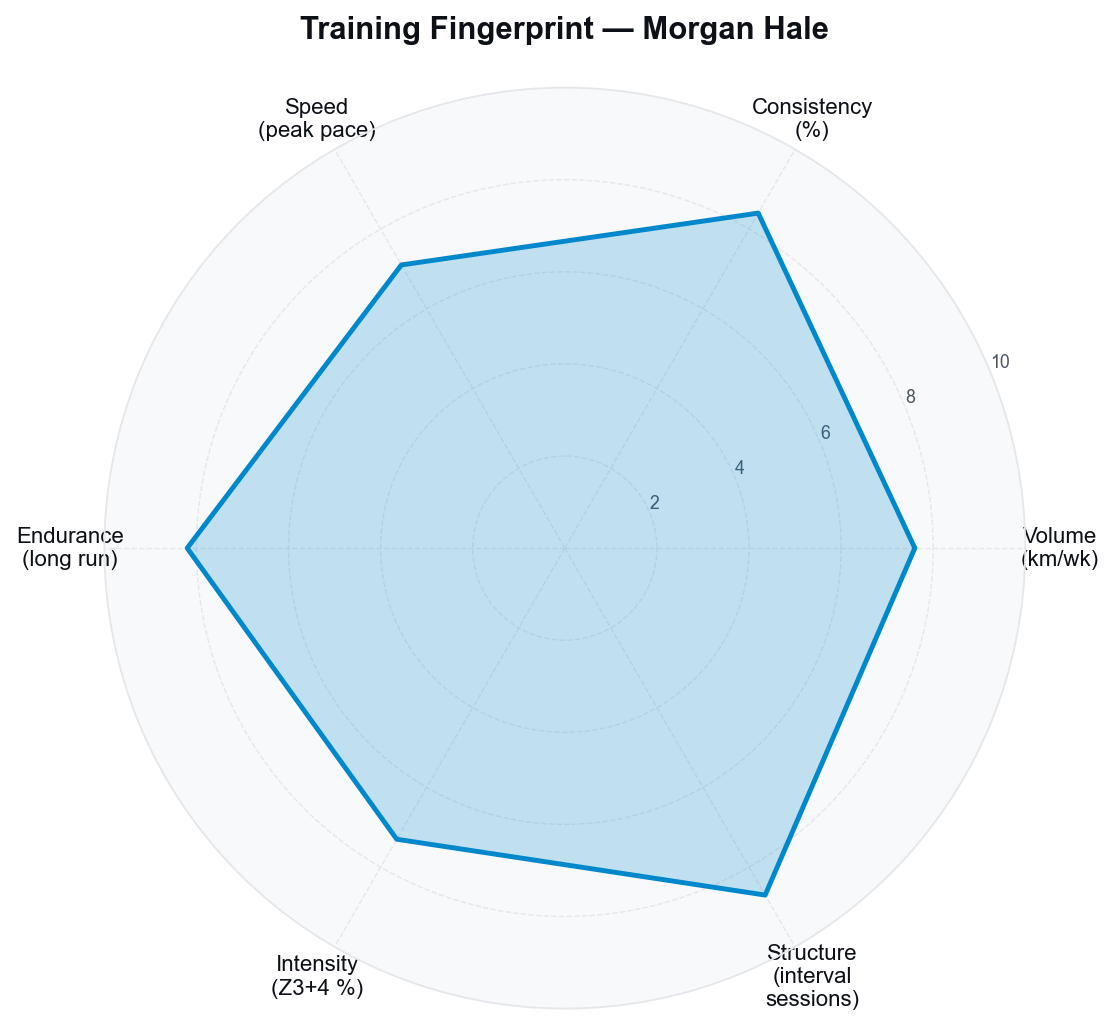
Load and intensity profile with interpretation
Training structure and pattern clarity
Context-aware findings from your goals and constraints
Plain-language conclusions with methodological limits
Go to sample page

Why this is different from free dashboards.

Interpretation layered on top of raw metrics.

Goals, phase, and injuries change what the signal means.

Deep tiers use written training context the watch cannot capture.

Privacy boundaries and method limits are visible, not hidden.

What the report actually tells you.

Your biggest stress was not one huge week. It was three solid weeks with too little variation between hard and easy days.

The threshold work is present, but the easy running buffer is thinner than it looks from the weekly mileage alone.

Your long-run durability supports the target distance, but the final weeks need sharper race-specific contrast to convert that base.

Clear process. No vague promises.

01

Choose your depth

Pick Scan, Deep Dive, or Full Analysis based on the context you want included.

02

Upload files and context

FIT or Garmin ZIP is required. Written logs improve interpretation on deeper tiers.

03

Receive your report

Turnaround depends on tier depth and file quality, with Scan usually fastest.

Choose the depth of analysis you need.

Scan

Scan

$19

Fast read on load, intensity, and structure from your device files.

  • Built from FIT files or Garmin export ZIP.
  • Highlights volume, intensity mix, and workout structure.
  • Best for runners who want a clear first read.
Start Scan
Deep Dive

Deep Dive

$49

Adds your written training log for stronger workout interpretation.

  • Combines device files with your written training log.
  • Supports PDF, CSV, image, or HEIC training logs.
  • Best for runners who track more than their watch captures.
Start Deep Dive
Full Analysis

Full Analysis

$89

Adds goals, injuries, and training phase for the highest-context interpretation.

  • Combines device data, training log, and your full athlete profile.
  • Goals, injuries, phase, PRs, and race targets shape interpretation.
  • Best for runners who want the highest-context report currently available.
Start Full Analysis

Privacy-first handling is part of the product.

  • Identity and GPS data stay out of external outputs by default
  • Any future data reuse requires explicit opt-in consent
  • Educational analysis only, not medical advice
Read trust and methodology

Interpretation includes confidence and boundaries.

  • No injury-prevention or performance guarantees
  • No blanket claim of planned-vs-actual support
  • FlowData states what the data cannot support

Questions before you start.

What is FlowData right now?

FlowData is a sports analytics company. Running analysis is the first live product.

Is this for my own data or elite profiles?

Both lanes exist: Running Analysis for your own files and Elite Insights as a staged prelaunch experience.

What files are accepted?

FIT files or Garmin export ZIP are required. Deep Dive and Full Analysis also accept written logs.

Is delivery immediate for every tier?

No blanket guarantee. Turnaround depends on tier depth and file quality.

Start with the live product.

Upload your files, add context, and get coach-grade interpretation from FlowData.

Start your report